Call a Sales Pro! 800-356-5844
Quick Order 800-476-9886 | Local 608-831-7330
Para asistencia en Español llame al 800-356-5844 x1164 y x1178

Vortex Media EX1DVD
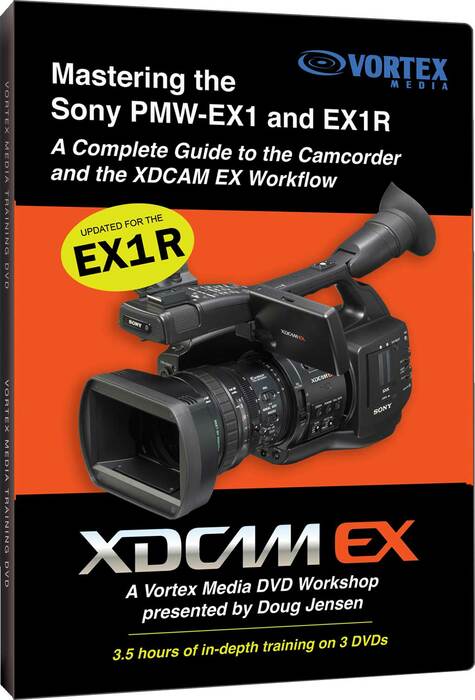
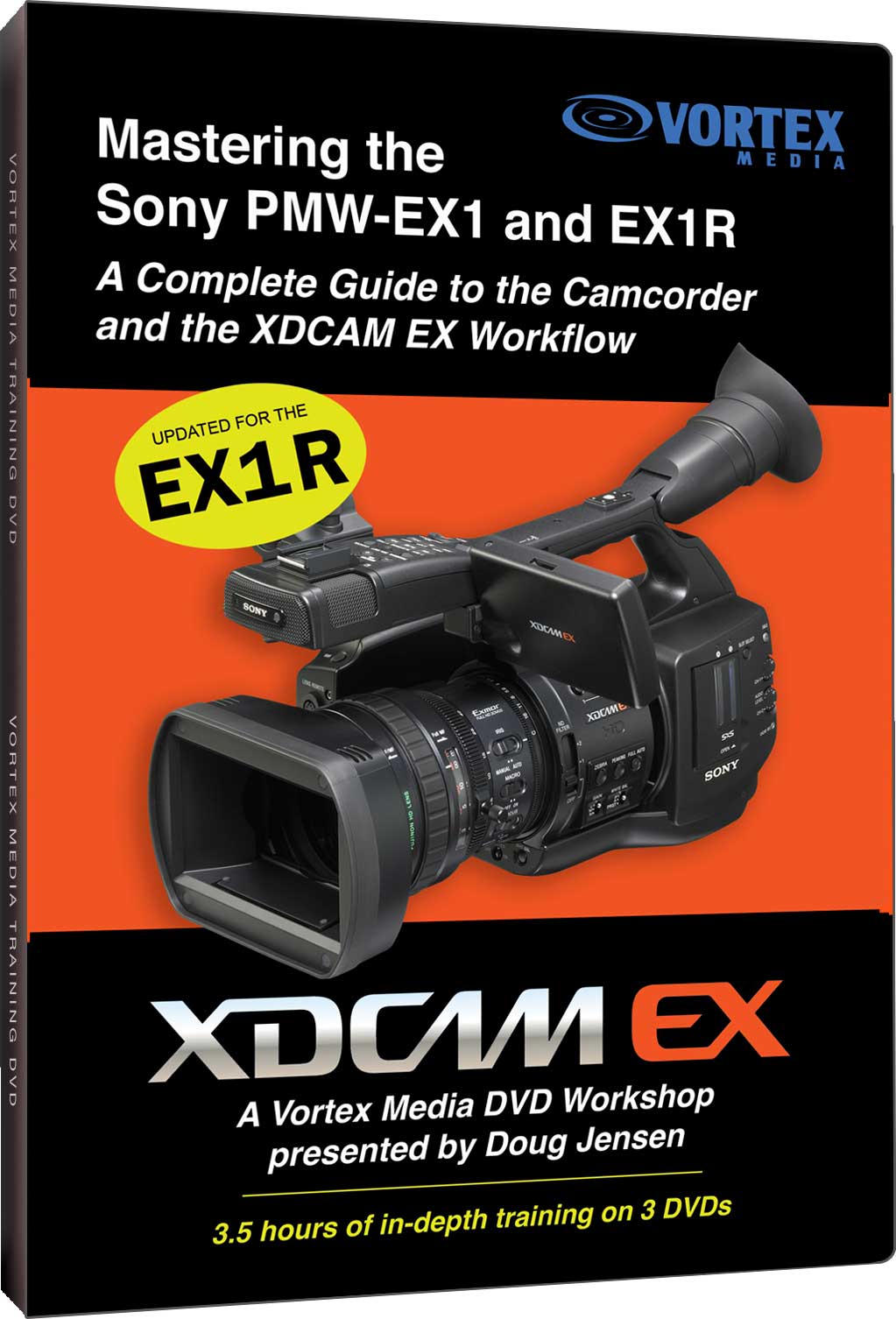
Mastering the Sony PMW-EX1 DVD

Our Price: $78.00List Price: $99.00
You save 21%! (Low Price Guarantee)
Qty:
Item is In Stock and should ship in 1-2 business days.

EX1DVD

"Mastering the Sony PMW-EX1" is the easiest way to learn both the fundamentals and advanced features of the Sony EX1 camcorder and its state-of-the-art tapeless workflow. This 3-hour, 3-disc (DVD video) workshop includes tutorials, step-by-step examples, and detailed instructions covering the most important aspects of camera setup, menus, shooting techniques, clip naming, file management, clip importing, picture profile settings, basic editing, and even archiving.

This DVD will pay for itself many times over by saving you hours of time figuring out things on your own. This is a completely independent production with no participation, sponsorship, input, or approval from Sony - so it delivers unbiased information and professional advice that can't be found in the owner's manual.

This video is designed to help anyone, from a novice to an experienced ENG/EFP shooter, get the best results from their EX1 by providing real-world examples and techniques that are easy to put into practice.

Like all Vortex Media training DVDs, this workshop has been carefully researched, planned and scripted (not presented as "live" or ad lib). This DVD was produced by professionals with years of broadcast-level experience who have the knowledge to recognize what's important about the EX1 and how to teach it without getting bogged down in jargon.

Also included is a 40-minute DVD detailing the differences between the original PMW-EX1 and the newer PMW-EX1R.

Topics Include:

  • Clip naming suggestions that will avoid disaster in post
  • How to archive 2 copies of clips for less than $.65/GB
  • Tips for setting exposure accurately
  • Suggested Picture Profile settings
  • Suggested focusing techniques
  • Recommended settings for the Assign Buttons
  • Suggestions for time-code settings
  • Warnings about some features and settings to avoid
  • B&W vs. Color viewfinder settings
  • Suggested Shutter Speeds for various recording modes
  • Tips for better looking Time-lapse clips
  • Recording slow-motion
  • Deleting clips on-the-fly
  • Splitting clips
  • Getting a perfect white balance
  • Monitoring options for the EX1
  • Managing storage space on the memory cards
  • Importing clips into your computer
  • Managing clips, making back-up copies, and archiving
  • XDCAM Transfer overview settings
  • Comparisons of various shooting modes
  • Step-by-step instructions for import and archive

Our Part #  EX1DVD

FROM OUR CUSTOMERS
Featured Offers

HACKER SAFE certified sites prevent over 99.9% of hacker crime.

Secured by Thawte

Full Compass is an Upfront Merchant on TheFind. Click for info.

Copyright © 2012 Full Compass Systems, LTD. All rights reserved.
Please read our Terms of Service, Privacy Policy and Conditions Statement.
Not responsible for typographical errors in pricing or product specification inaccuracies in our catalog or web site. Prices are subject to change without notice.

Proud Member of:
Logo: AES Click to verify BBB accreditation and to see a BBB report. Logo: GSA Advantage Logo: National Association of Broadcasters Logo: NSCA Logo: Society of Broadcast Engineers
Logo: InfoCOMM Logo: NAMM
Full Compass is a national leader in Professional Audio, Professional Video, A/V and Lighting sales. For over 30 years, our goal has been to provide the best possible value with exceptional customer service. We offer over 700 top equipment brands including, Shure, Yamaha, Panasonic, Sony, JBL, Sennheiser, Sanyo, QSC, Audio-Technica, Crown and much more. We also provide services such as computer systems integration, lighting design, and rentals. Full Compass is an authorized service center and parts distributor for most of the major manufacturers we carry.